The invoicing module turns your console into the place where you quote, invoice and get paid. It exists because most independents invoice from a spreadsheet, and a spreadsheet does not know what it has already numbered.
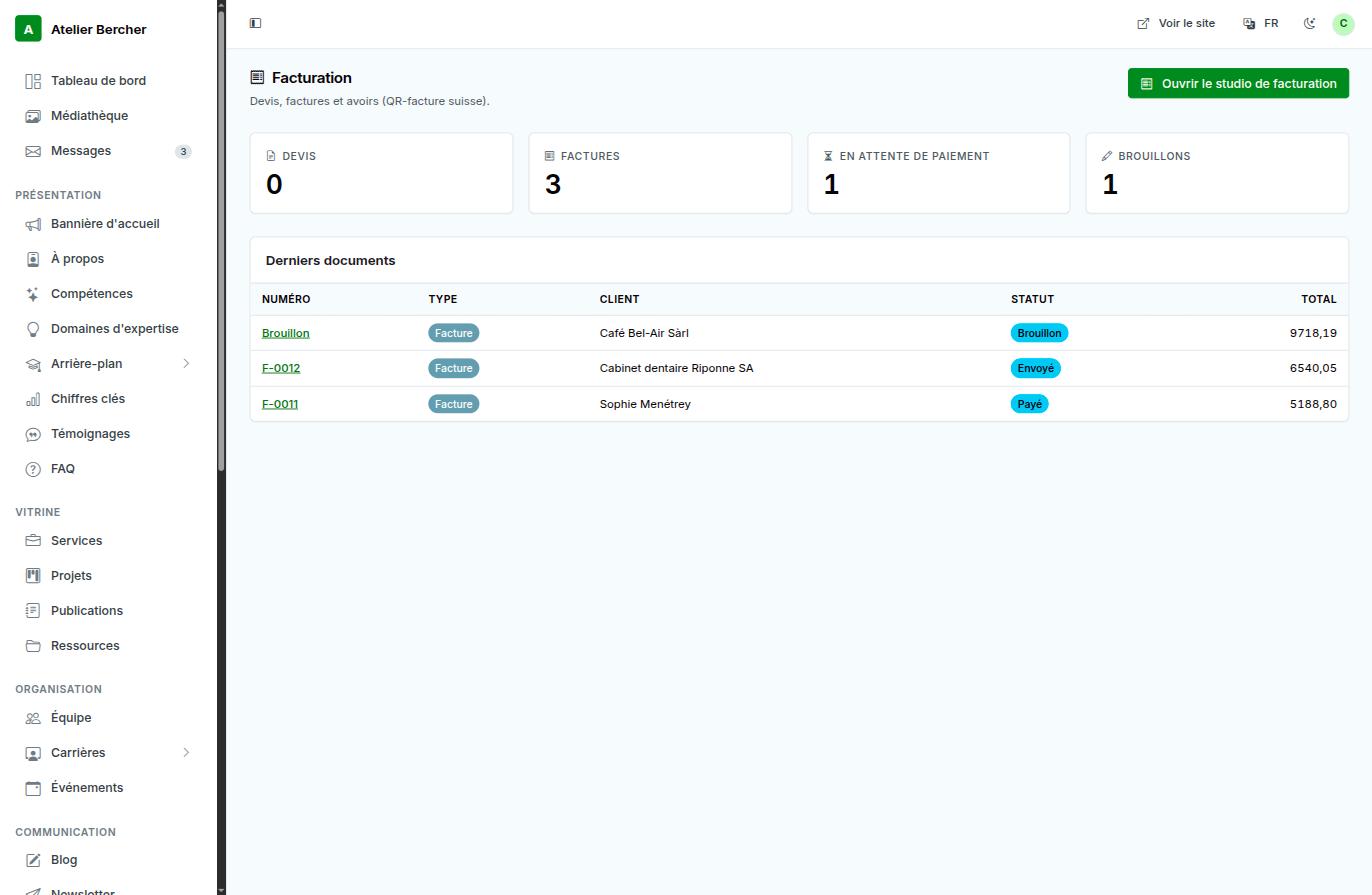
Before your first invoice
- Fill in your issuer details: legal name, address, and your VAT number if you have one. They are printed on every document and the law requires them.
- Set your numbering. It is sequential and per document kind — quotes and invoices count separately. Once a number is issued it is never reused.
- Add your IBAN if you want the Swiss QR-bill.
Quote, invoice, credit note
A quote becomes an invoice without being retyped. An invoice that was wrong is not deleted — you issue a credit note against it. That is not our rule: Swiss law (CO art. 958f) requires an issued document to stay readable as it was.
The QR-bill
For an invoice in CHF with an IBAN, the Swiss QR-bill is generated on the last page: your client scans it with their banking app and the amount, reference and account are filled in. No copying an IBAN by hand, no typo, no payment that arrives without knowing which invoice it settles.
Outside Switzerland
The module is not Swiss-only. Without an IBAN, or in another currency, you simply get a clean invoice with your details, your numbering and your terms — the QR-bill is the part that is skipped.
Send yourself the first invoice before sending one to a client. You will see your own layout, your numbering and your payment details as your client sees them — and it costs nothing to correct at that stage.